
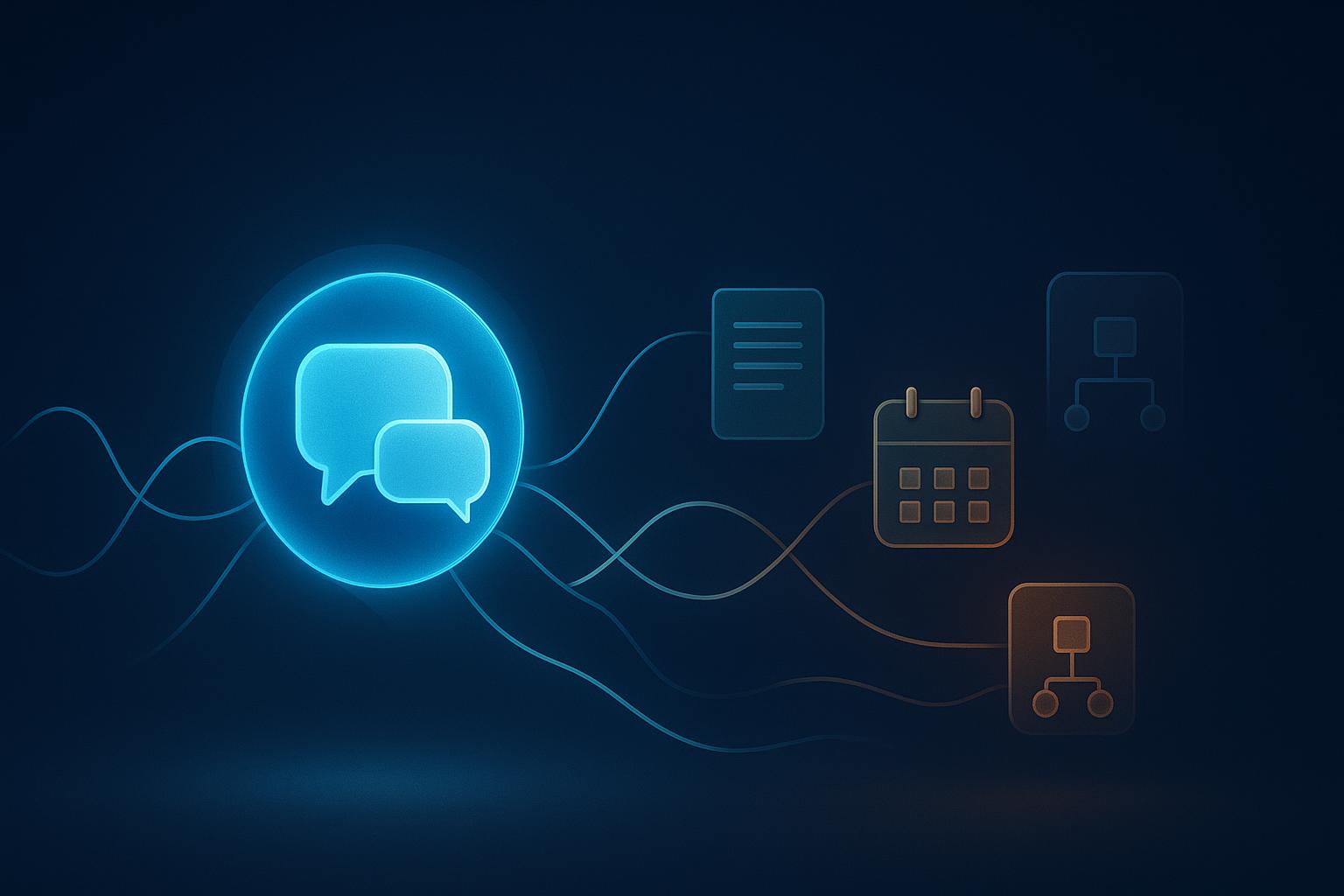
A conversational AI assistant is an application that lets people interact through natural language—typing or speaking—to find information, get guided help, or trigger approved actions. The interaction feels like a conversation. Behind that experience sits a mix of language processing, knowledge sources, and connected tools. In this guide, you’ll learn what a conversational AI assistant actually is, how text and voice versions work, how they differ from chatbots and virtual assistants, and how to choose and roll one out responsibly.
Two things matter up front. First, conversational AI is the interaction capability—the technology and approach that lets a system understand and respond in natural language. An assistant is the application that uses that capability to help someone accomplish something. Second, capabilities vary a lot from one product to the next, depending on configuration, data access, permissions, and channel. Not every conversational AI system remembers past chats, acts on your behalf, or handles voice. Keep that distinction in mind as you read.
What Is a Conversational AI Assistant?
A conversational AI assistant is software you talk to—by text, voice, or both—that interprets what you mean and responds helpfully. Ask it a question, and it answers. Ask for a document, and it retrieves it. Ask it to book a slot, and, if it has the right connections and permissions, it completes the task.
The core job is to understand natural language rather than force you through menus or exact keywords. A good assistant handles intent (what you want), context (what you already said), and, in some products, memory across a session. It draws on a knowledge base or connected systems to give grounded answers, and it can hand off to a human when a request falls outside its scope.
An AI conversational assistant can play several roles at once: answering FAQs, retrieving records, guiding a multi-step process, and, where allowed, taking action through an integration. The depth of each role depends entirely on how the assistant is built and what it’s permitted to touch.
Conversational AI Assistant vs. Chatbot vs. Virtual Assistant vs. AI Agent
These terms overlap and get used loosely. The table below separates them by how they interact, how they handle context, whether they take actions, and how much human oversight they typically need.
| Type | Interaction style | Context handling | Integrations / actions | Common use case | Human oversight |
|---|---|---|---|---|---|
| Chatbot (rule-based) | Scripted buttons or keywords | Little to none | Usually limited | Simple FAQs, menus | Frequent escalation |
| Conversational AI assistant | Natural language, text or voice | Understands intent and session context | Answers, retrieves, sometimes acts | Support, self-service, guided tasks | Handoff on complex cases |
| Virtual assistant | Natural language, often voice-first | Varies; may hold user preferences | Device control, apps, services | Personal productivity, hands-free help | Light, task-dependent |
| AI agent | Natural language plus autonomous steps | Maintains goals across steps | Chains tools and workflows | Multi-step task completion | Guardrails and review needed |
On the common question of virtual assistant vs conversational AI: they aren’t competing options. A virtual assistant is an application category—think of a personal helper on a phone or smart speaker. Conversational AI is the underlying technology and interaction approach that many virtual assistants use. So a virtual assistant may be powered by conversational AI, but not every conversational AI system is a full virtual assistant. A narrow support bot on a checkout page uses conversational AI without being anyone’s personal assistant.
How a Conversational AI Assistant Works
Under the friendly interface, a few components work together. Here’s the flow from input to response to action.
Understanding input: NLP, NLU, and speech recognition for voice
The assistant first has to figure out what you mean. Natural language processing (NLP) breaks down your words. Natural language understanding (NLU) extracts intent and details—what you want and any specifics like a date or order number. For a conversational AI voice assistant, speech-to-text (STT) converts spoken audio into text before that understanding step. Voice adds challenges: background noise, accents, and turn-taking all affect accuracy.
Finding the right information: knowledge bases, retrieval, and context
Good answers depend on good sources. Many assistants use retrieval-augmented generation (RAG), which pulls relevant passages from a connected knowledge base—help docs, policies, product data—before generating a reply. This grounding reduces made-up answers. The assistant also tracks context within a conversation, and some products carry limited memory so you don’t repeat yourself.
Generating a response: NLG and LLMs
Natural language generation (NLG) turns the retrieved information and intent into a readable reply. Modern assistants often rely on large language models (LLMs) for fluent, flexible responses. The LLM writes the answer; the retrieval layer supplies the facts. For voice, text-to-speech (TTS) then converts the reply back into spoken audio.
Taking action safely: tools, APIs, permissions, workflows, and handoffs
Answering is one thing; doing is another. When an assistant needs to check an order, book an appointment, or update a record, it calls tools and APIs connected to your systems. This is where guardrails matter. Access control limits what the assistant can reach. Permissions define which actions it may take. A clear human handoff path routes anything sensitive, ambiguous, or high-risk to a person. Orchestration ties these steps together in the right order.
Types of Conversational AI Assistants
Assistants tend to specialize by audience and job.
- Customer-service and contact-center assistants handle FAQs, order and appointment status, triage, and call routing. They deflect repetitive questions and escalate complex ones to agents.
- Internal employee assistants and copilots answer IT and HR questions, retrieve internal knowledge, and help staff complete routine requests without opening a ticket.
- Personal productivity assistants summarize meetings, draft messages, and surface information. Tools like ChatGPT, Google Gemini, Microsoft Copilot, and Claude fall into this broad category.
- Conversational AI voice assistants work hands-free through speech—useful in contact centers, cars, and homes. Google Assistant, Amazon Alexa, and Apple Siri are familiar examples.
- Industry-specific assistants are tuned for a sector’s terminology, workflows, and compliance needs, such as healthcare scheduling or financial-services support.
Common Use Cases and Examples
The most useful assistants solve a specific, repeatable job.
- Customer support and self-service: answering common questions, checking order or ticket status, and guiding people through returns or setup.
- Appointment booking, lead qualification, and routing: scheduling visits, collecting details from prospects, and directing conversations to the right team or agent.
- Employee IT, HR, and knowledge support: resetting access, answering policy questions, and pulling documents from an internal knowledge base.
- Productivity and collaboration: meeting summaries, draft replies, and quick knowledge retrieval inside work tools.
- Smart-device and hands-free support: voice control of devices, reminders, and quick lookups.
Platforms that businesses use to build these assistants include Amazon Lex, Google Dialogflow, Twilio, Zendesk AI, Freshworks Freddy AI, Rasa, Cognigy, Kore.ai, Yellow.ai, and Retell AI, among others. Which fits depends on your channel, integration needs, and controls—not on any single “best” label.
Is Google Assistant a Conversational AI?
Yes. Google Assistant is a conversational AI example because it accepts natural-language input by voice or text, interprets intent, and responds in kind. It uses the same building blocks discussed here—speech recognition, language understanding, and response generation—to hold a back-and-forth interaction.
One caveat: its exact capabilities vary by version, device, region, and connected services. What it can do on one phone or speaker may differ from another, and available features change over time. So while Google Assistant clearly qualifies as conversational AI, don’t assume identical behavior across every setup.
Benefits and Limitations
Potential benefits
A well-built conversational AI assistant can respond quickly at any hour, let customers and employees self-serve simple requests, and give consistent answers pulled from the same knowledge source. Voice and text options can improve accessibility for people who prefer speaking or reading. And by handling repetitive questions, an assistant frees your team to focus on harder cases. These are potential outcomes—they depend on setup and data quality, not on the technology alone.
Limitations
Assistants can give incorrect answers, sometimes confidently—often called hallucinations—especially when the underlying knowledge is thin or outdated. Complex, emotional, or unusual requests may exceed what an assistant handles well. Privacy and data governance need real attention, particularly when the assistant touches personal or sensitive records. Voice recognition can struggle with noise and accents. And over-automation—removing the human path entirely—frustrates users and erodes trust. A working escalation route matters as much as the assistant itself.
How to Choose the Right Conversational AI Assistant
Start narrow. Pick one outcome and one channel rather than trying to solve everything at once. Then work through this checklist.
- Define the outcome and channel: Is this for customer support, employee help, or productivity? Text, voice, or both?
- Assess knowledge quality: Are your help docs, policies, and records accurate and current? Weak sources produce weak answers.
- List required integrations: Which systems must the assistant read from or write to—CRM, ticketing, scheduling, order data?
- Confirm voice needs: If you need a conversational AI voice assistant, check STT and TTS quality and turn-taking behavior.
- Check language and accessibility: Which languages and accessibility standards must it support?
- Review security and permissions: How is data protected, and how granular is access control?
- Design human escalation: When and how does the assistant hand off to a person?
- Clarify ownership and testing: Who maintains it, and how do you test on real conversations?
- Plan analytics: Can you measure resolution quality, containment, and where the assistant fails?
- Understand total cost: Setup, integration, ongoing maintenance, and usage—not just the headline price.
How to Implement One Responsibly
Roll out in stages. A responsible launch protects your users and your reputation.
- Pilot a narrow use case with clear boundaries—one workflow, one audience.
- Define scope and escalation so everyone knows what the assistant will and won’t handle.
- Test on representative conversations, including messy, edge-case, and off-topic inputs.
- Set permissions tightly. Grant only the access the use case requires.
- Monitor outcomes after launch—track accuracy, escalations, and user satisfaction.
- Update knowledge sources regularly so answers stay correct.
- Expand gradually, adding channels and use cases once the first one performs well.
FAQs
What is a conversational AI assistant?
It’s an application you interact with in natural language—by text or voice—to find information, get guided help, or trigger approved actions through connected systems.
What is the difference between a virtual assistant and conversational AI?
A virtual assistant is a type of application. Conversational AI is the technology and interaction approach it often uses. A virtual assistant may be powered by conversational AI, but many conversational AI systems are narrower than a full virtual assistant.
Is Google Assistant conversational AI?
Yes. It understands natural-language voice and text and responds in kind, which makes it a conversational AI example—though its features vary by device, version, and region.
What can a conversational AI voice assistant do?
Depending on setup, it can answer questions, control devices, route calls, book appointments, and retrieve information hands-free. Voice quality and accuracy depend on the product and environment.
Can conversational AI assistants replace human agents?
They can handle routine, repetitive requests and reduce workload, but complex, sensitive, or emotional cases still need people. A reliable human handoff should always be part of the design.
Putting It Into Practice
The right conversational AI assistant isn’t the one with the longest feature list. It’s the one that solves a clearly defined conversational workflow using trustworthy data, tightly controlled actions, and a dependable path to a human when needed. Start with a single outcome, ground the assistant in accurate knowledge, limit what it can touch, and measure how well it resolves real requests. Expand only after it earns that trust.
Get those fundamentals right and the technology mostly disappears behind a helpful experience—customers get faster answers, employees skip repetitive tickets, and your team spends time on work that genuinely needs a person. Get them wrong, and you end up with an assistant that confidently gives incorrect answers or traps people in a loop with no way out. The difference comes down to knowledge quality, permissions, escalation design, and ongoing monitoring.
If you’re weighing whether a conversational AI assistant fits your workflow, or you’ve started building one and want a clearer plan for knowledge grounding, integrations, guardrails, and rollout, Quadshot Digital can help. We provide digital services that help businesses move forward—from scoping the right use case to implementing and measuring it responsibly. Reach out to talk through your goals, and we’ll help you decide what to build, how to test it, and how to keep it accurate as you scale.